
Ticketing

Ticketing Overview – Embed a Customer Ticket Area Everywhere

With Enterpristore Tickets, you can effortlessly enhance your customer support by embedding a dedicated ticket area directly onto your website. This powerful feature provides immediate assistance through a single, intuitive interface tailored to your customers’ preferences. Designed to streamline support processes, the Tickets App integrates advanced functionalities such as chatbots and Slack for efficient communication, ensuring that help is always just a click away. With a focus on user experience, our system boasts a clean, responsive design that adapts to various devices, making it easier than ever for customers to submit inquiries and receive timely resolutions. Elevate your customer service capabilities with Enterpristore Tickets and create a seamless support experience that keeps your customers engaged and satisfied.
Tickets Help Desk Features

Tickets System

  • Professional Ticket Area: Integrate a support area directly on your website to assist customers where they are.

Chatbots, Slack, and More

  • Innovative Support: The first ticket system powered by chatbots and Slack for more efficient support.

Great User Experience

  • Human-Centered Design: Clean, minimal, and responsive layout with beautiful animations, supporting RTL languages and more.

Ticket Management

Ticket List

  • Real-Time Updates: Get updates on tickets instantly.

Search Tickets

  • Instant Search: Quickly find tickets as needed.

Ticket Button

  • Create New Tickets: Easily accessible button for new ticket creation.

Ticket Dashboard

Agent Details

  • Status Indicators: View typing status, online presence, and other agent details.

Department Labels

  • Organized Support: See labels for different departments.

More Details

  • Comprehensive Information: Access attachments, articles, and additional ticket information.

Ticket Widget

Fast and Simple Ticket Creation

  • User-Friendly Interface: Customers can submit tickets in seconds with a clean design.
  • Customizable Fields: Tailor the ticket form with custom and built-in fields like department selection.

Login and Registration

  • Flexible Access: Require customer registration or allow open access for visitors.
  • Personalization: Use custom fields and include a privacy consent form.

Privacy and GDPR Compliance

  • Data Protection: Ensure compliance with privacy regulations.

Chat Settings Support

  • Unified Features: Most chat settings operate in the ticket area, including:
    • Slack and Dialogflow integration
    • Notifications and messages

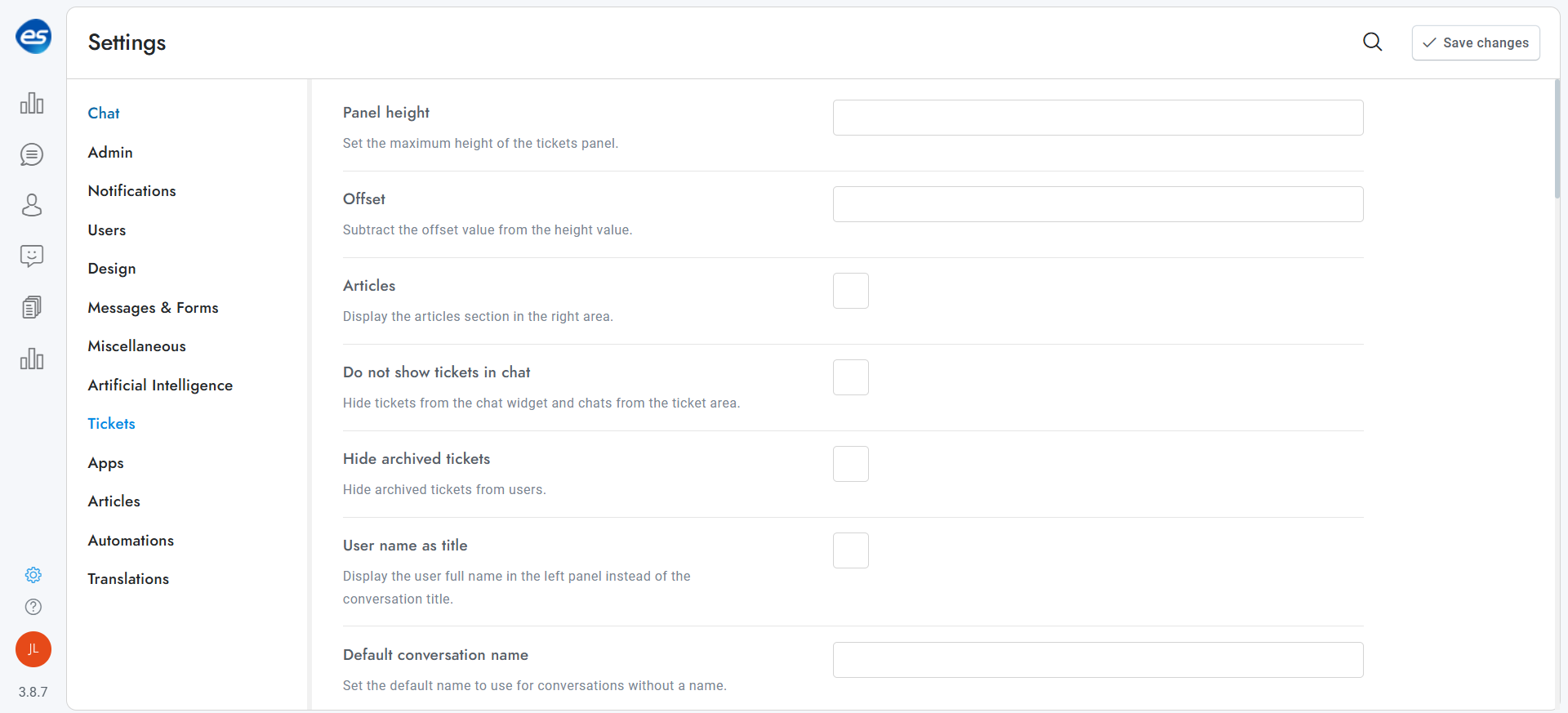
Tickets Settings

WooCommerce Integration

  • Seamless Synchronization: Automatically recognize logged-in customers and include a WooCommerce item selector in new ticket forms.

Google ReCaptcha

  • Spam Protection: Permanently block bots and protect your ticket area from abuse.

Infinite Ticket Areas

  • Customizable Panels: Create multiple unique ticket areas via API, each with its own settings.

Email Confirmation

  • Ticket Acknowledgment: Option to send confirmation emails after ticket creation or chat initiation.

Responsive Layout

  • Adaptive Design: The widget adjusts its layout to fit the container or device width.

Fast and Easy Installation

  • Quick Setup: Ready to use immediately with a simple script link or WordPress shortcode.

Customization Options

  • Tailored Experience: Customize the layout and functionalities of the widget, choosing which elements to display or hide.
Tickets Ai chats